
> ## Documentation Index
> Fetch the complete documentation index at: https://mintlify.manicule.dev/zh/llms.txt
> Use this file to discover all available pages before exploring further.
> For every page in one file, fetch https://mintlify.manicule.dev/zh/llms-full.txt (large).
> To search and read these docs as tools, connect the MCP server at https://mintlify.manicule.dev/api/mcp.
> Every agent surface: https://mintlify.manicule.dev/.well-known/llms-manifest.json

# Frames (/zh/components/frames)

<!-- agent-signals: reading_time_min: 1 · est_tokens: 663 · updated: 2026-07-31 -->
Related: [折叠面板](/zh/components/accordions.md), [徽章](/zh/components/badge.md), [横幅](/zh/components/banner.md), [标注框](/zh/components/callouts.md), [卡片](/zh/components/cards.md), [代码分组](/zh/components/code-groups.md)

> 使用 frame 组件为图片、视频和其他内容添加样式化边框、说明文字和视觉强调效果。

使用 Frames 以一致的样式展示图像、示意图、视频或其他视觉内容，并可选添加说明文字。Frames 会将内容居中，并与周围文本形成清晰的视觉分隔。

<Frame>
  <img src="https://mintlify-assets.b-cdn.net/yellowstone.jpeg" alt="黄石国家公园内，一座被树林环绕的湖泊，远处群山环抱的照片。" />
</Frame>

<div id="captions">
  ## 说明文字
</div>

使用可选的 `caption` 属性为图像添加额外的说明信息。说明文字会显示在图像下方的框中。

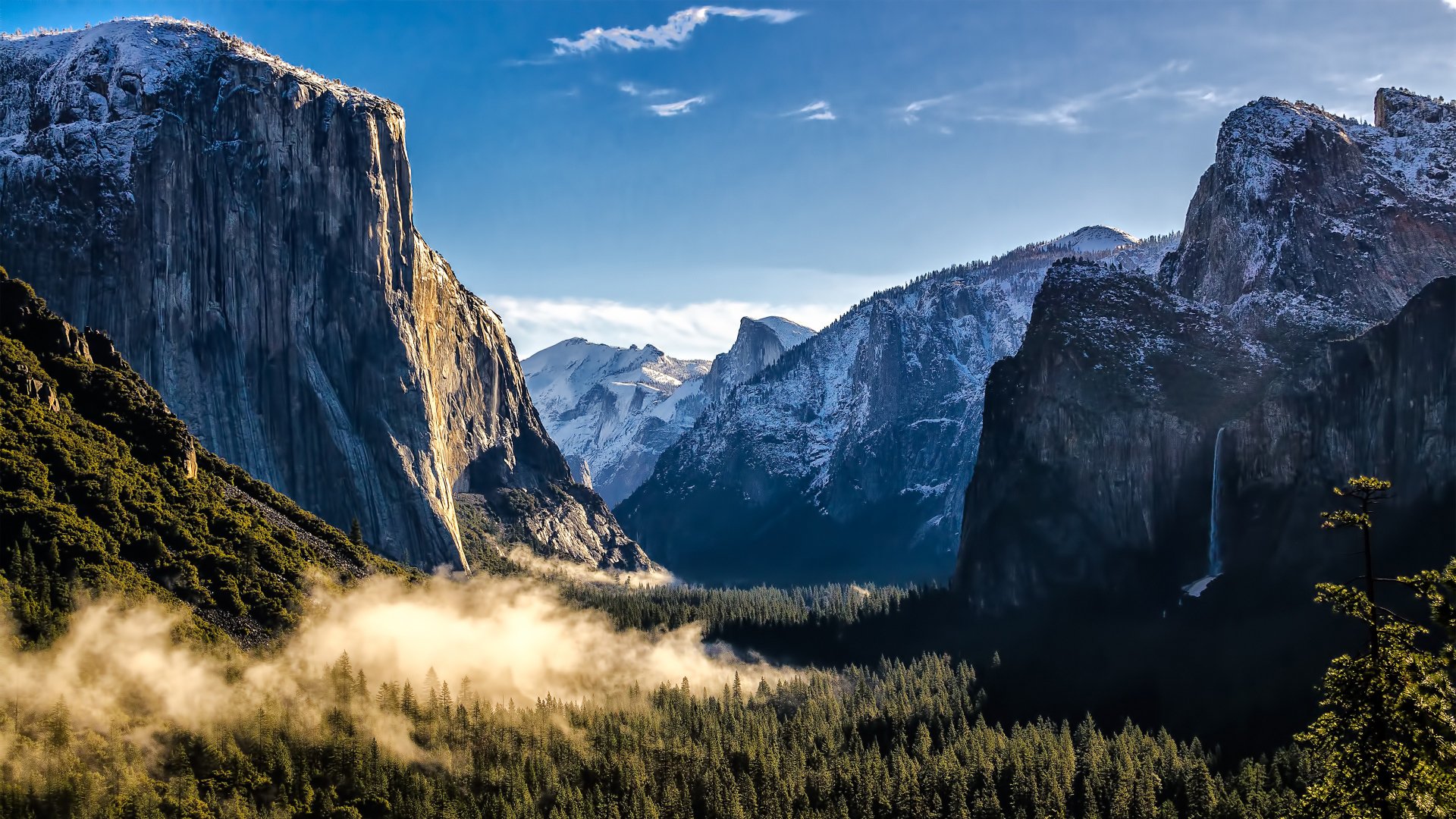
<Frame caption="优胜美地国家公园每年有超过 350 万人到访。">
  <img src="https://mintlify-assets.b-cdn.net/yosemite.jpg" alt="优胜美地山谷的照片。" />
</Frame>

<div id="markdown-in-captions">
  ### 图注中的 Markdown
</div>

图注支持 Markdown 格式，包括链接和粗体文本。

<Frame caption="进一步了解 [优胜美地国家公园](https://www.nps.gov/yose/index.htm)，并规划你的行程。">
  <img src="https://mintlify-assets.b-cdn.net/yosemite.jpg" alt="优胜美地山谷的照片。" />
</Frame>

<Frame caption="**重要：** 请查看 [公园网站](https://www.nps.gov/yose/index.htm) 了解当前情况。">
  <img src="https://mintlify-assets.b-cdn.net/yellowstone.jpeg" alt="黄石国家公园中一座被树林环绕、远处群山环抱的湖泊照片。" />
</Frame>

<div id="hints">
  ## 提示
</div>

使用可选的 `hint` 属性添加显示在框架前面的文本。提示会显示在框架上方。

<Frame hint="如果你计划前往优胜美地国家公园，请在出发前先办好许可。" caption="优胜美地国家公园每年接待超过 350 万名游客。">
  <img src="https://mintlify-assets.b-cdn.net/yellowstone.jpeg" alt="黄石国家公园中，一座被树木环绕、远处群山相映的湖泊照片。" />
</Frame>

<div id="videos">
  ## 视频
</div>

当你将带有 `autoPlay` 的 `video` 元素放入框架中时，框架会自动添加 `playsInline`、`loop` 和 `muted` 属性。

```mdx title="Video with autoPlay"
<Frame caption="Product demo">
  <video autoPlay src="/path/to/video.mp4" />
</Frame>
```

未设置 `autoPlay` 的视频不会被自动添加任何额外属性。

<div id="properties">
  ## 属性
</div>

<ResponseField name="caption" type="string">作为框架一部分显示的文本，居中显示在内容下方。支持 Markdown 格式，包括链接和加粗文本。</ResponseField>

<ResponseField name="hint" type="string">显示在框架前面的文本。</ResponseField>

<CodeGroup>
```mdx title="Frame"
<Frame>
  <img src="/path/image.jpg" alt="Descriptive alt text" />
</Frame>
```

```mdx title="Frame with a caption"
<Frame caption="Caption text">
  <img src="/path/image.jpg" alt="Descriptive alt text" />
</Frame>
```

```mdx title="Frame with markdown in caption"
<Frame caption="Visit the [documentation](/docs) for more details">
  <img src="/path/image.jpg" alt="Descriptive alt text" />
</Frame>
```

```mdx title="Frame with bold text and links in caption"
<Frame caption="**Note:** See the [official guide](https://example.com) for setup instructions">
  <img src="/path/image.jpg" alt="Descriptive alt text" />
</Frame>
```

```mdx title="Frame with a hint"
<Frame hint="Hint text">
  <img src="/path/image.jpg" alt="Descriptive alt text" />
</Frame>
```

```mdx title="Frame with both hint and caption"
<Frame hint="Hint text" caption="Caption text">
  <img src="/path/image.jpg" alt="Descriptive alt text" />
</Frame>
```
</CodeGroup>
