> ## Documentation Index
> Fetch the complete documentation index at: https://mintlify.manicule.dev/zh/llms.txt
> Use this file to discover all available pages before exploring further.
> For every page in one file, fetch https://mintlify.manicule.dev/zh/llms-full.txt (large).
> To search and read these docs as tools, connect the MCP server at https://mintlify.manicule.dev/api/mcp.
> Every agent surface: https://mintlify.manicule.dev/.well-known/llms-manifest.json
# 实时预览 (/zh/editor/live-preview)
Related: [创建和编辑页面](/zh/editor/pages.md), [添加媒体](/zh/editor/media.md), [组织导航](/zh/editor/navigation.md), [配置](/zh/editor/configurations.md), [在 Web 编辑器中协作](/zh/editor/collaborate.md), [评论](/zh/editor/comments.md)
> 在编辑时实时预览你的文档站点,持续更新会即时渲染内容、导航和配置的更改。
在编辑时预览你的站点。实时预览会准确呈现页面发布后的效果,并在你对内容、导航和配置进行修改时实时更新。
## 打开实时预览
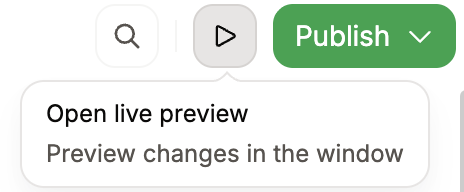
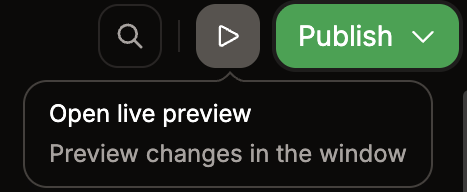
点击工具栏中的 实时预览按钮,在新标签页中打开实时预览。
 实时预览仅适用于公开文档。
## 实时预览与预览部署
| | 实时预览 | 预览部署 |
| -------- | -------- | ------------- |
| **速度** | 即时 | 需要构建 |
| **访问方式** | 本地 URL | 可分享的 URL |
| **使用时机** | 在编辑时查看更改 | 与团队共享以供审阅 |
| **可用性** | 当编辑器打开时 | 只要该 branch 存在 |
在编辑过程中使用实时预览以获得即时反馈。当你需要与团队共享更改,或在不同设备上测试时,请使用 [预览部署](https://www.mintlify.com/docs/editor/branching-and-publishing#preview-your-changes)。